




g2 hp
capterra hp

Powerful Project Management for the Defense & Space Industry

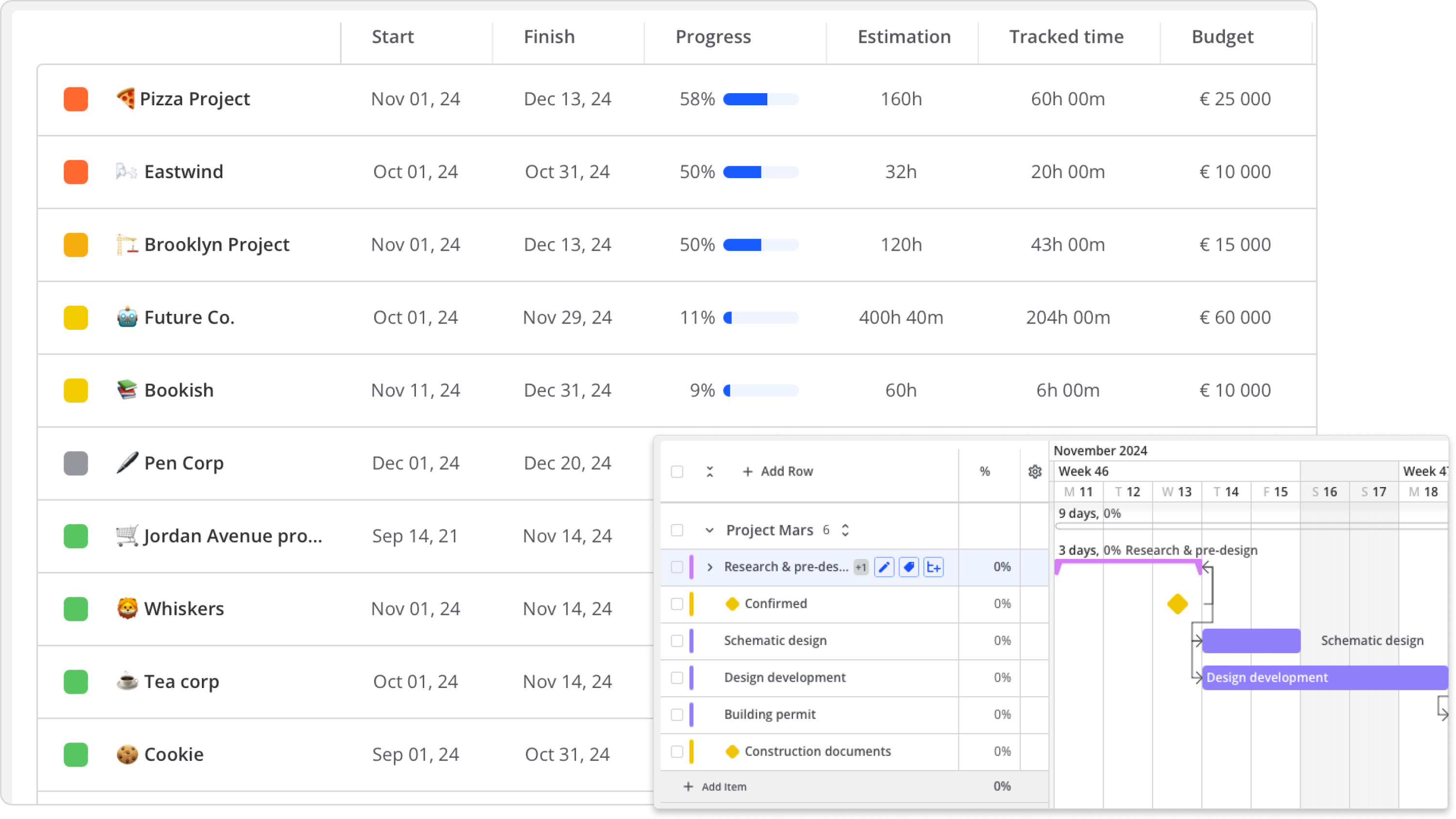
Maximize your project efficiency with data-driven visual insights.

Defense and Space Desktop 2
Defense and space Mobile 2

Trusted by industry leaders globally

spaceopal text
daimler logo
50hertz-logo-group
Roche_Logo.svg
northway-1

Mission-Critical Project Management with Uncompromising Security

dependencies mockup

Smart Resource Allocation

Track team workloads in real time with customizable dashboards that combine agile metrics across multiple workspaces. When changes come up, simply adjust your plan and keep your team working together effectively.

item age mockup

On-Premise Data Hosting

Host on-premises for greater control. Keep your data within your infrastructure, customize your setup to fit your needs, and ensure compliance with internal policies and regulations.

growth

Hybrid Cloud Ready

Leverage a hybrid cloud setup to get the best of both worlds—flexibility and top-notch security. Integrate your cloud environments while maintaining robust safeguards to protect sensitive project data at every level.
Strategic Planning Hub for Projects

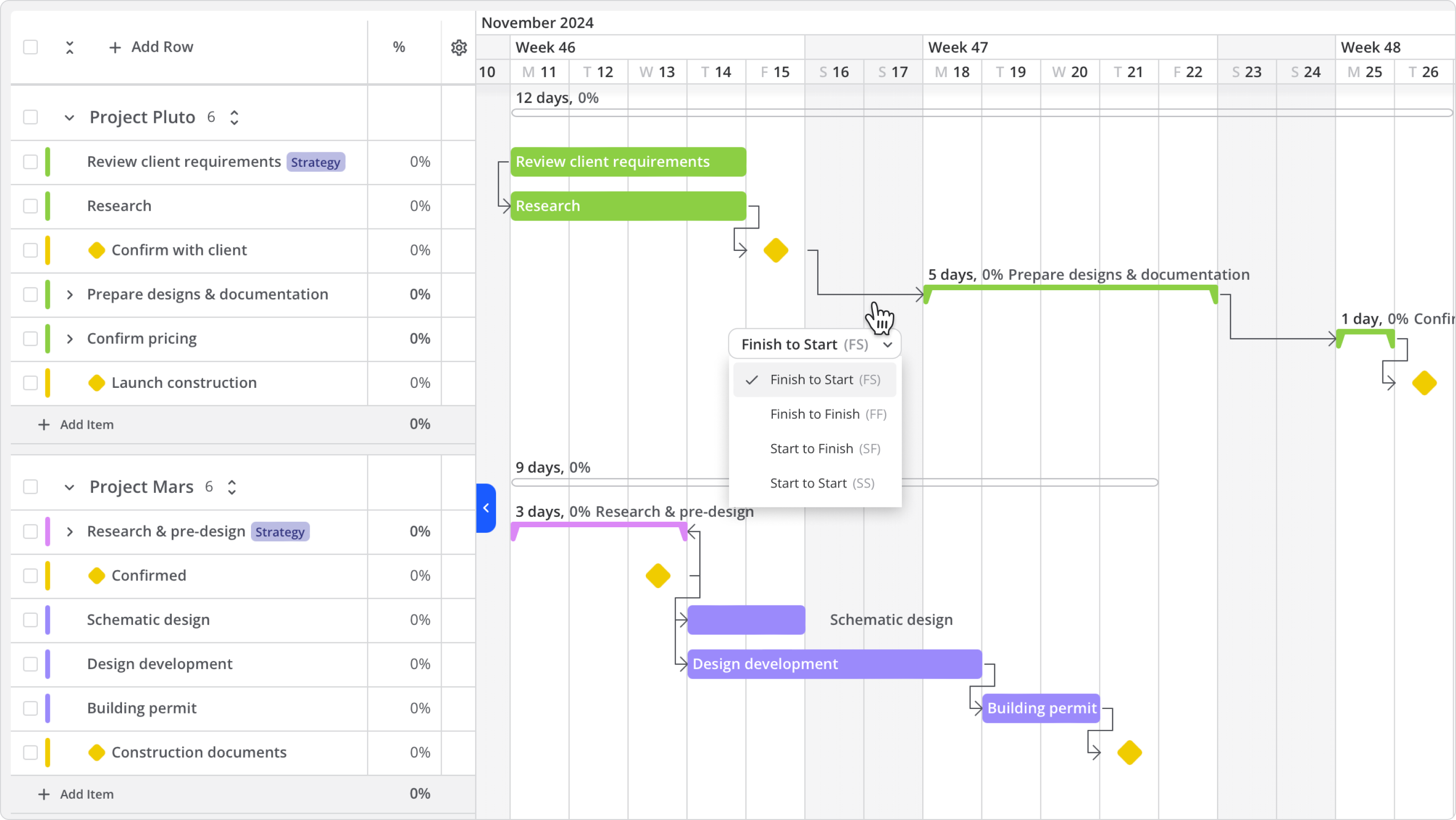
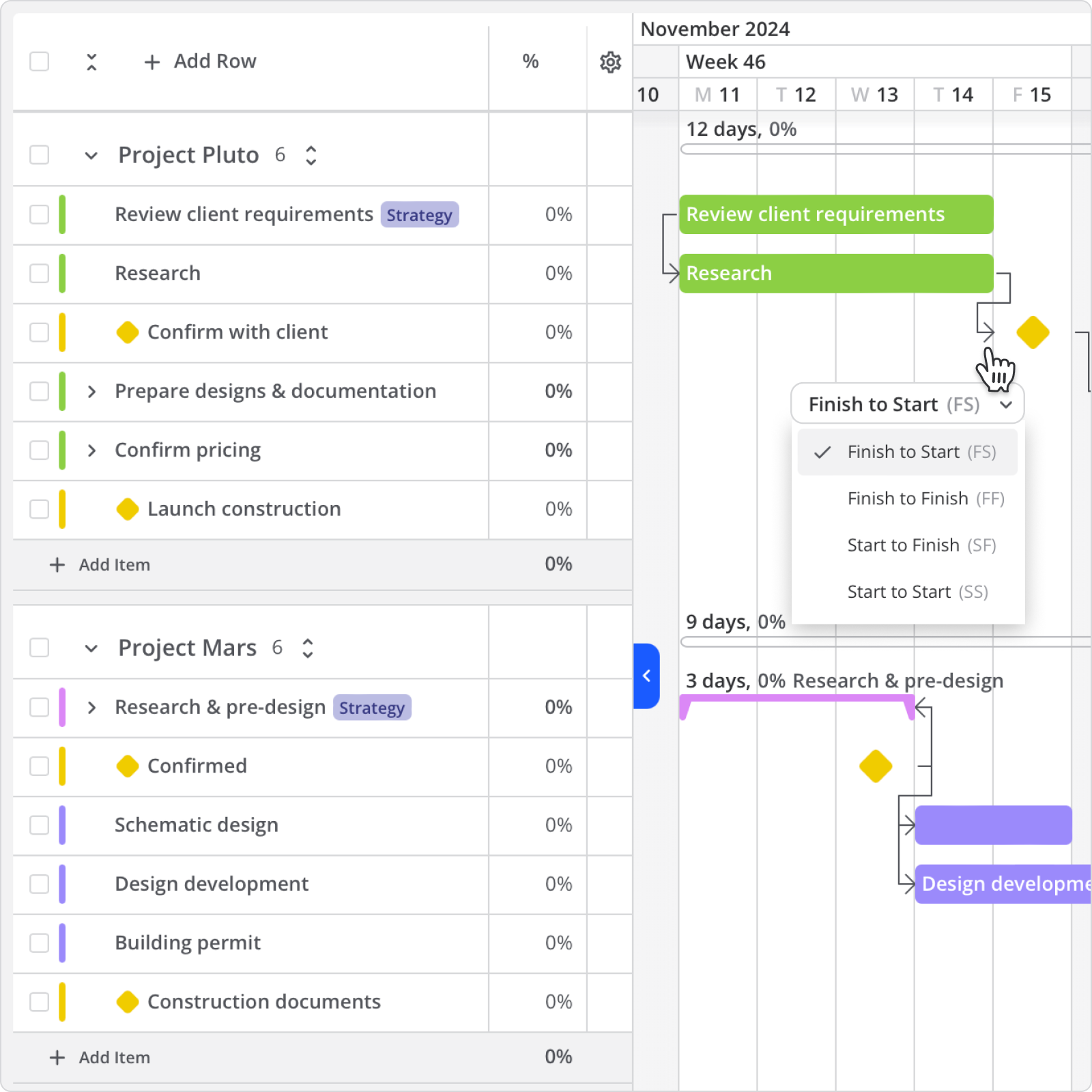
Use milestones to highlight key events and set baselines for easy comparison with actual progress. Define the relationships between predecessor and successor tasks with dependency-path tracking to clearly understand how each task influences the next. 

architecture gantt
Architecture Gantt Mobile

Track time spent on tasks and manage team workloads with a built-in time tracker. This ensures balanced capacity and optimal resource allocation across all projects.

workload overview
workload overview

Oversee multiple projects using Kanban, Gantt, or Workload views for better insights. Plan for contingencies, visualize dependencies, and set deadlines with intuitive timelines. 

kanban board software development Desktop
kanban board software development Mobile

Stay on top of your project environment. Track key metrics like lead time, cycle time, and task completion with built-in reporting to monitor progress and quickly respond to any changes.

Portfolio Overview Feature

Track time spent, adjust work hours or rates, and quickly compare with estimates. Generate reports to track time and costs, ensuring projects stay on schedule and within budget. 

time and cost tracking

Explore Custom Features

Use Templates

Workspace templates help you standardize and replicate your processes. Go to ‘Workspace Settings,’ choose ‘Save as Template,’ and quickly clone and rename boards for new projects.

Tool Integrations

Create custom integrations with the well-documented Open API, or connect seamlessly to over 3,500 popular business tools.

Real-time Dashboards

Use real-time dashboards to identify underperformance and focus on growth. Customize data visuals with filters and choose from Bar, Line, Donut, or Scatter Plot charts.

Team Collaboration

Communicate project goals, expectations, and timelines in an instant. Click ‘Assign User' or add yourself or others as ‘Watchers’ to get updates on the task.

Project Workflow Features for Your Needs

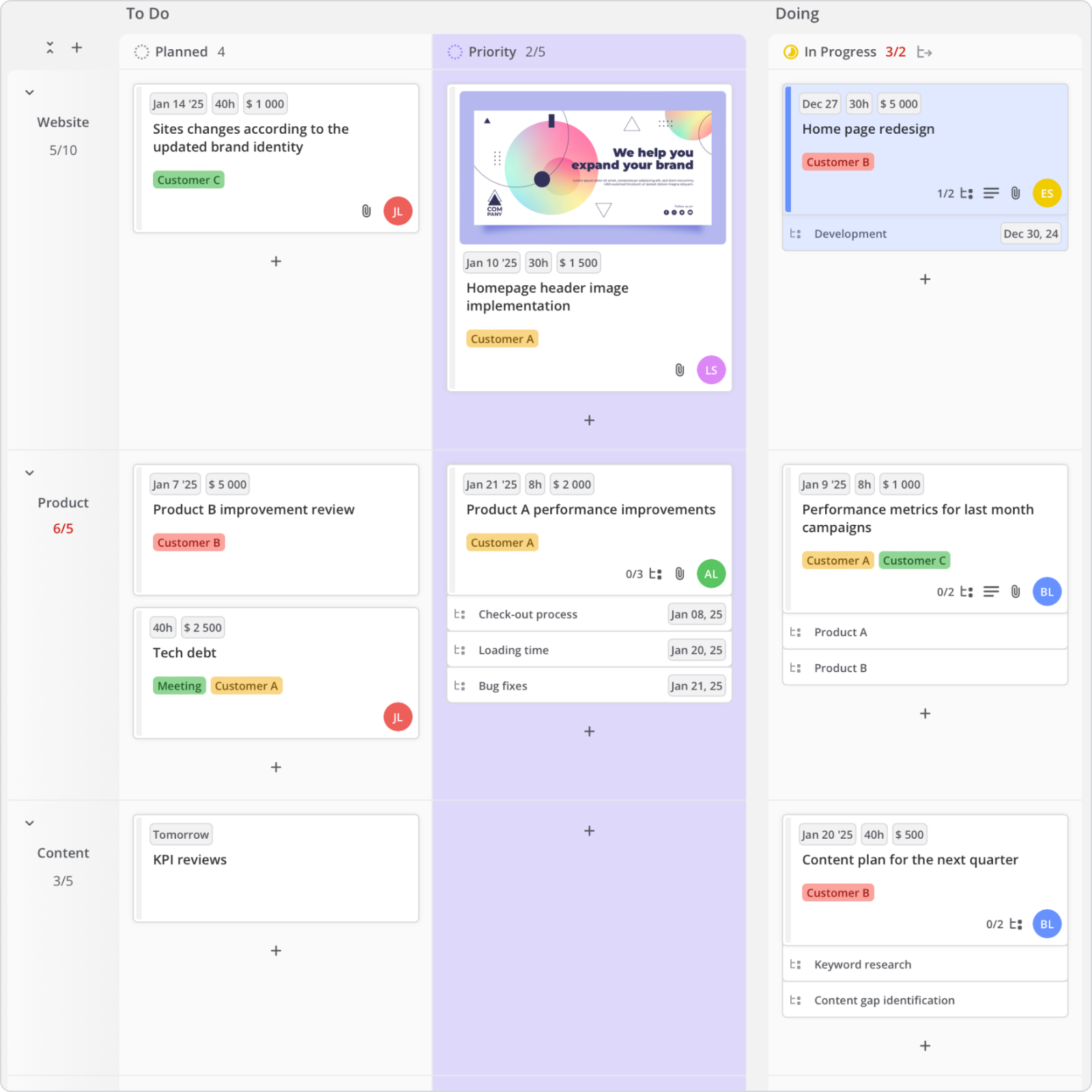
Use Kanban to organize your tasks into workflows, grouping them by priority, team, or where they’re at.

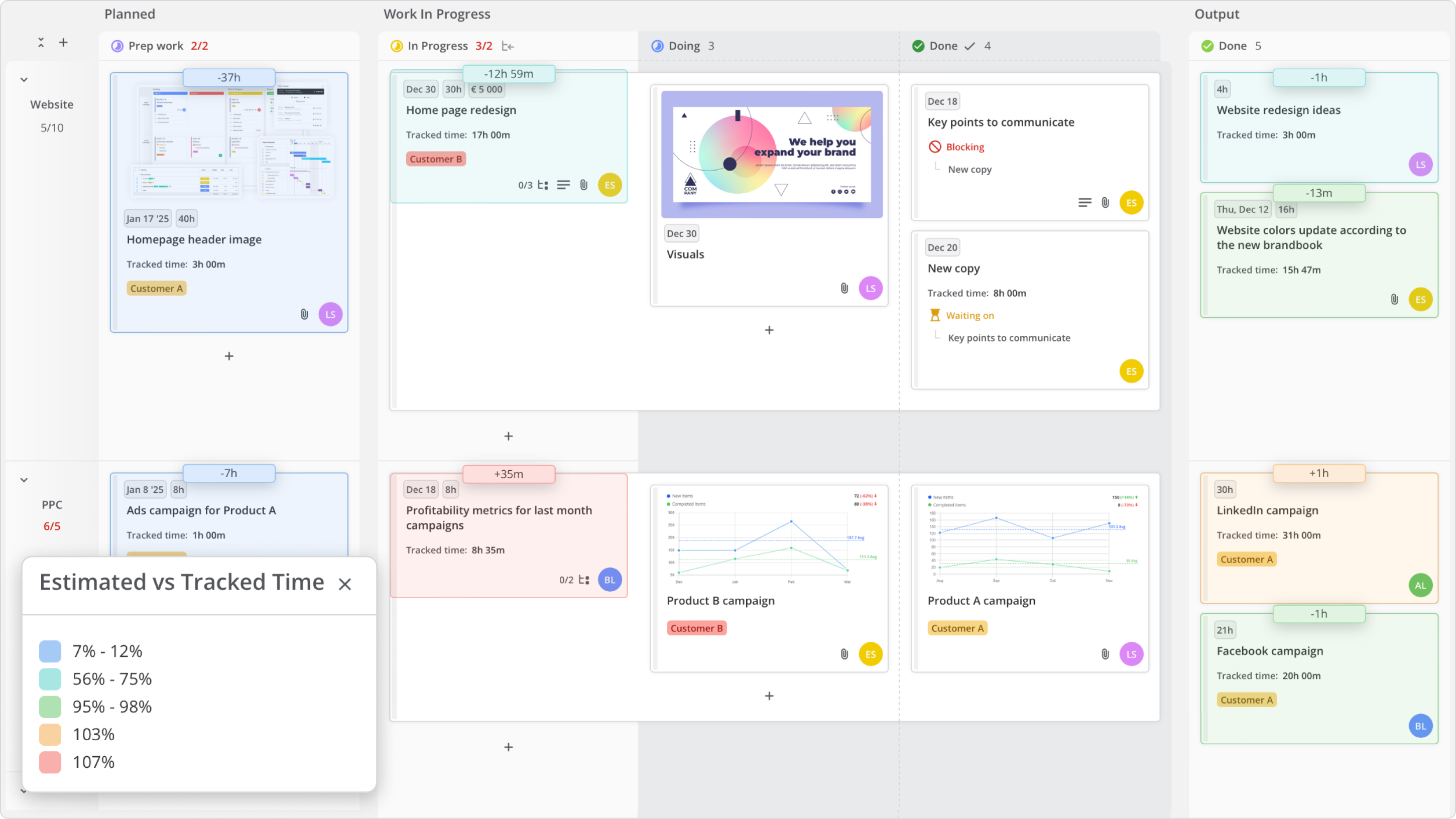
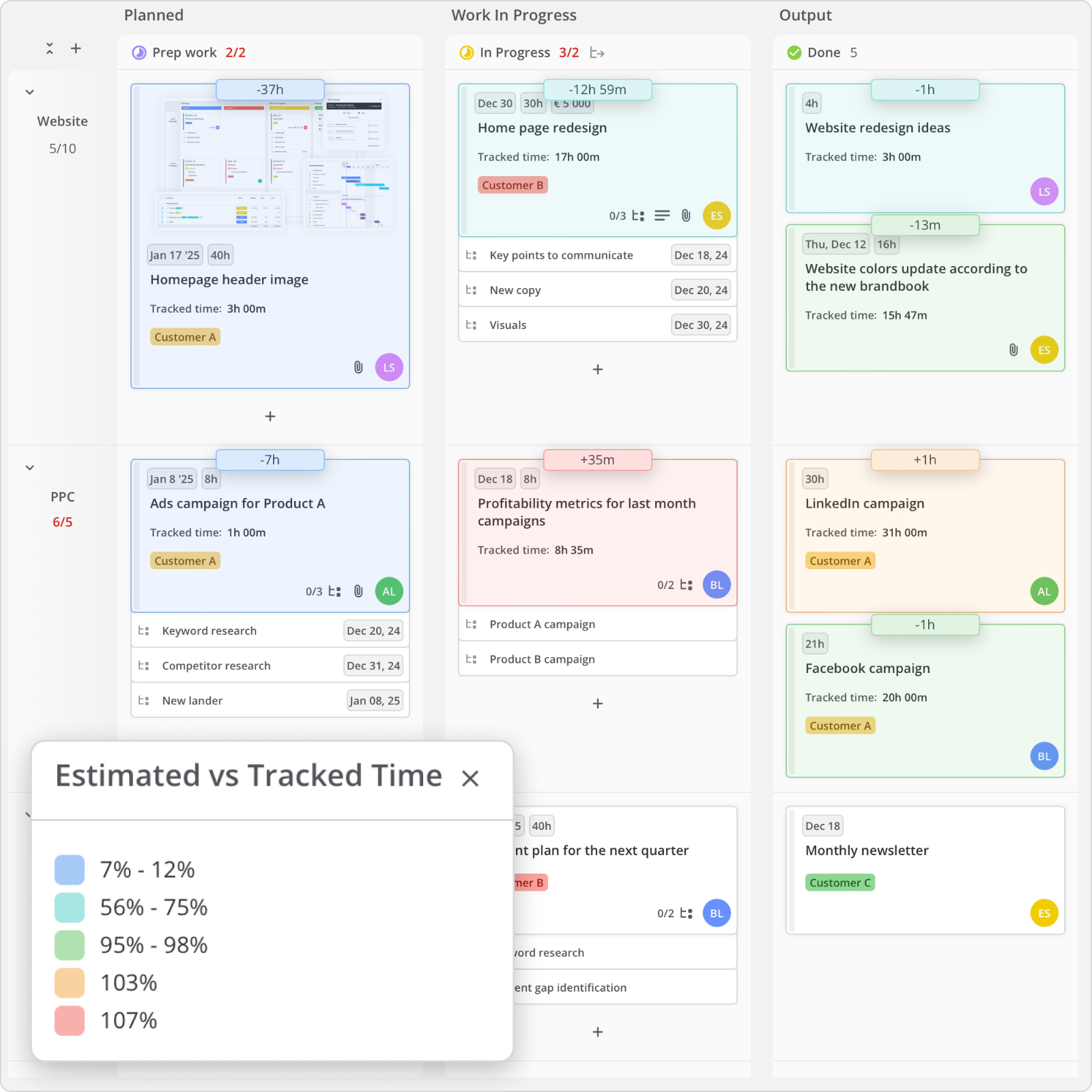
kanban board layer estimated vs tracked time

Drag, drop, and dominate your workflow with the Gantt view.

Gantt View Milestones

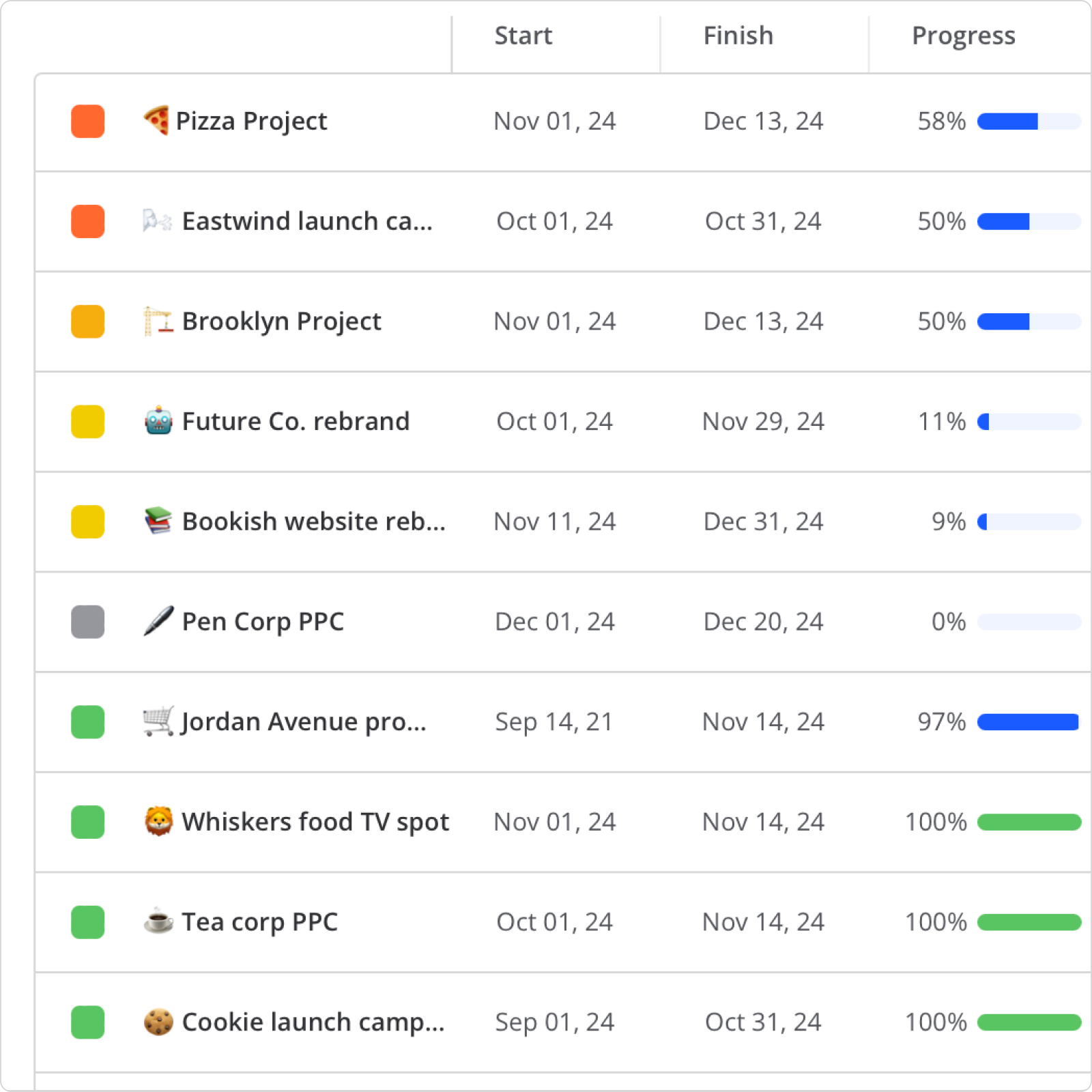
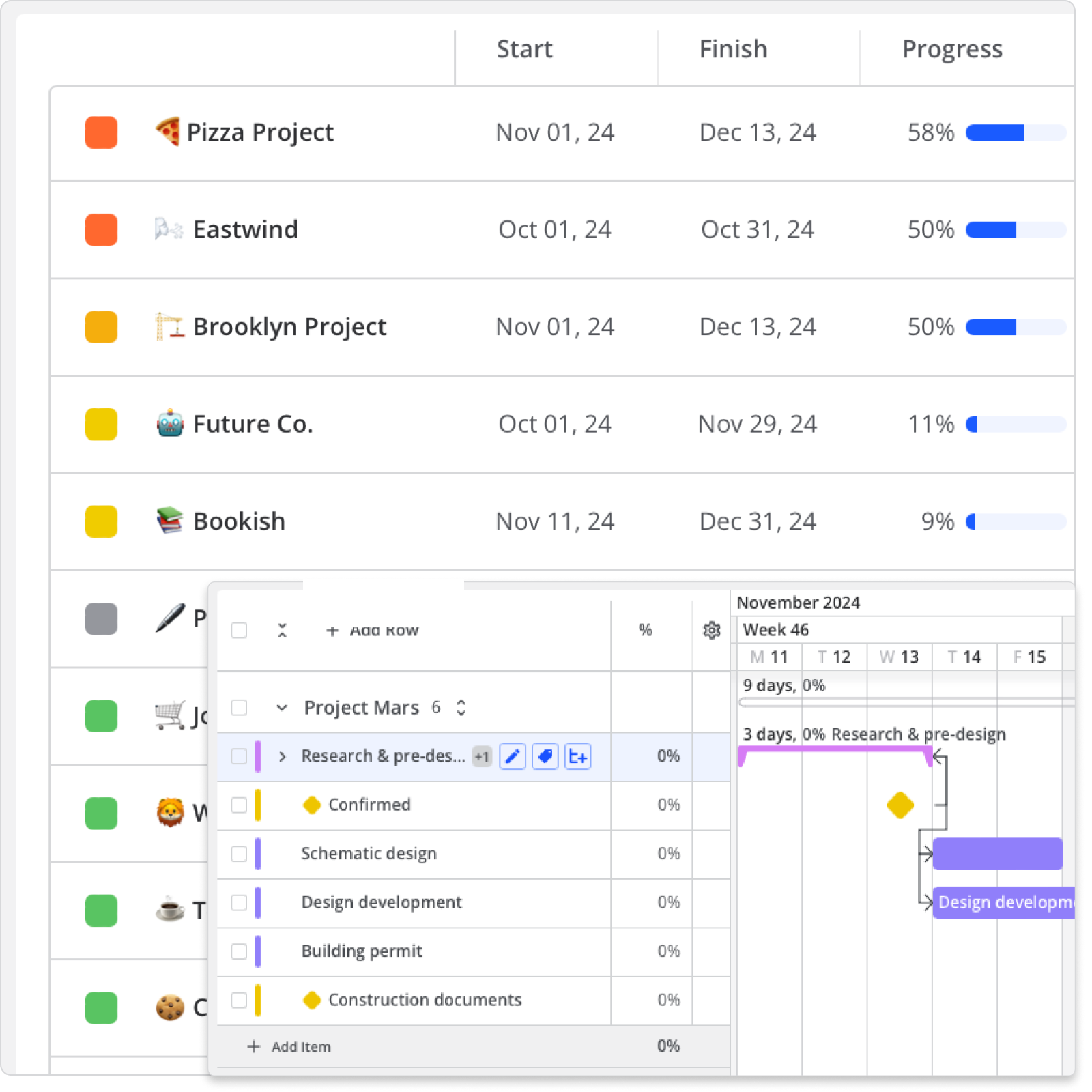
Keep all your projects in one spot where you can easily see everything.

Portfolio View - Desktop
Portfolio View Mobile

Get a clear view of tasks across one or more workspaces and balance your workload.

workload dependencies

Change work hours or rates and see how they stack up against your estimates in the time and cost report.

profitability report

Integrate With Your Favorite Tools

teams-logo-integration
outlook-logo-integration
slack-logo-integration
google-calendar-integration
azure-logo-integration
openapi-logo-integration

+3500 

zapier logo

other tools via

Hear Why Customers Teamhood

ingenieur quote

Teamhood at the core of company operations

One of the most important things we have to do for new people in our company is being onboarded to Teamhood. It has been the core of our whole management process. We can see what has to be done, when can it be done, and at what place.

box 1824 quote

Project management

I put all the specifications of the project in Teamhood. The duration of each project phase, which methodology needs to be used, and the start and end dates. This way, I don’t have to go back to the proposal and instead can manage the project from a single place.

pigu perku quote

Team task management and workload

After starting to use Teamhood, we can now see all of the team tasks in one place. It became easy to understand the workload of my team members and delegate new work accordingly.

oneproof quote

Gantt and Kanban

It’s so easy to organize the data. The GANTT chart, and Kanban views are excellent. All the functionality I need without making it overly complex. Quick learning curve.

g2-easiest-use-2023
KanbanProjectManagement_BestSupport_Small-Business_QualityOfSupport
g2-high-performer-europe-2024
g2-momentumleader-spring-2024
g2-users-love-2023

Ready to see Teamhood in action?

Discover how Teamhood can transform your workflow—schedule an expert-guided tour today.

capterra badge
G2 badge
Teamhood uses cookies, to personalize content, ads and analyze traffic. By continuing to browse or pressing "Accept" you agree to our Cookie Policy.